Spoiler Alert
It so happens that if you own an Apple Watch, 9 times out of 10 the right AirPod earpiece connects and stays connected to the watch. Simply turning off the Bluetooth radio on the watch fixes connection issues.
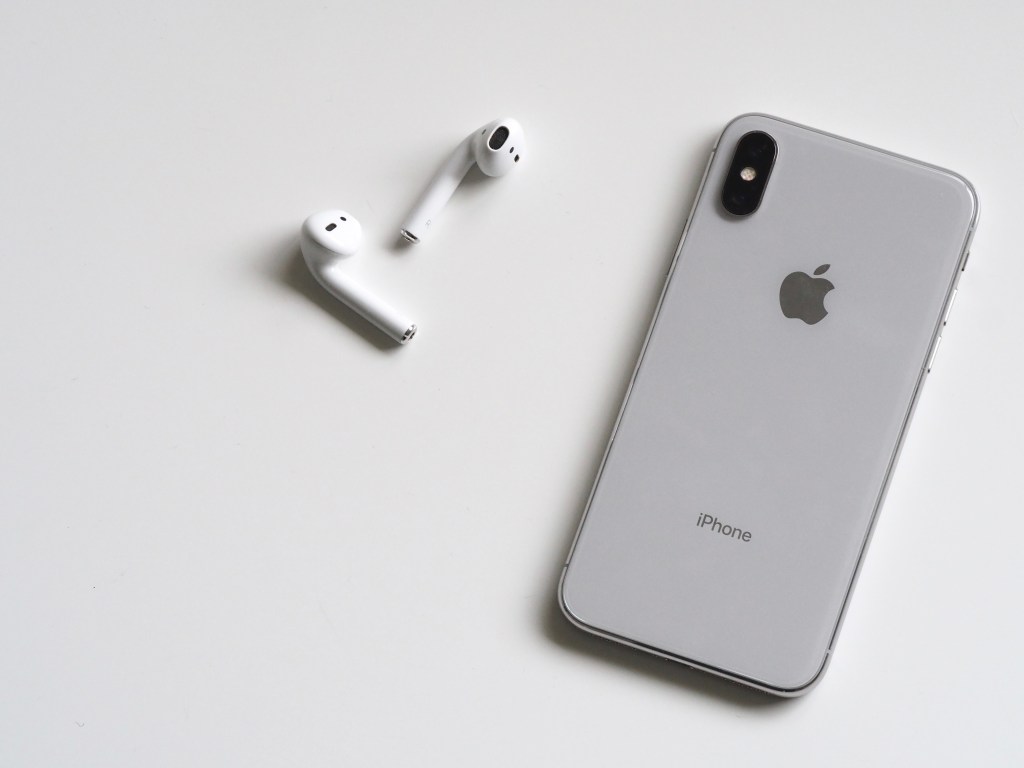
If your AirPods won’t connect
It can get frustrating when you want to pick up a call or watch a video in private, you pop your AirPods in to find out only the left earpiece is working. All method and attempts to get the right earpiece to connect seems to fail. Here are suggestions from the online Apple support page.
- Make sure iOS device has the latest version of iOS.
- Make sure Bluetooth is on
- Put both AirPods the charging case and make sure both AirPods are charging
- Close charging case lid with AirPods in and wait for 15 seconds.
- Making sure to select AirPods as your audio device.
Finally, you are advised to reset your AirPods. I had done a couple of times until I stumbled on the cause of the issue. It appears that from time to time the right AirPod connects and stays connected to the Apple Watch.
The simple fix is to place both AirPods into the charging case and shut the lid. Then on the Apple Watch, go to the setting menu and select the Bluetooth option.

Toggle the Bluetooth option from on to off.

Now take out your AirPods from its charging case, from your preferred device, connect to the AirPods and enjoy your conversation, video or music.
Yet another free consult! Feel free to reach out, drop me a tweet or Instagram dm.
akXen.tech


 Alpha Cube Tech